Secure Word to PDF Converter That Works Fully in Your Browser Online
Convert Word documents to PDF directly in your browser without uploading files to any server. Enjoy secure, private, and fast client-side document conversion with complete data protection.
Word to PDF conversion has become one of the most commonly used document management tasks for students, businesses, freelancers, offices, and online professionals. PDF files provide a consistent layout, professional presentation, and better compatibility across devices, operating systems, and applications.
Many online conversion tools require users to upload sensitive documents to external servers. While this may seem convenient, it can create serious privacy and security concerns, especially when handling confidential business files, contracts, invoices, legal documents, resumes, academic records, or personal information.
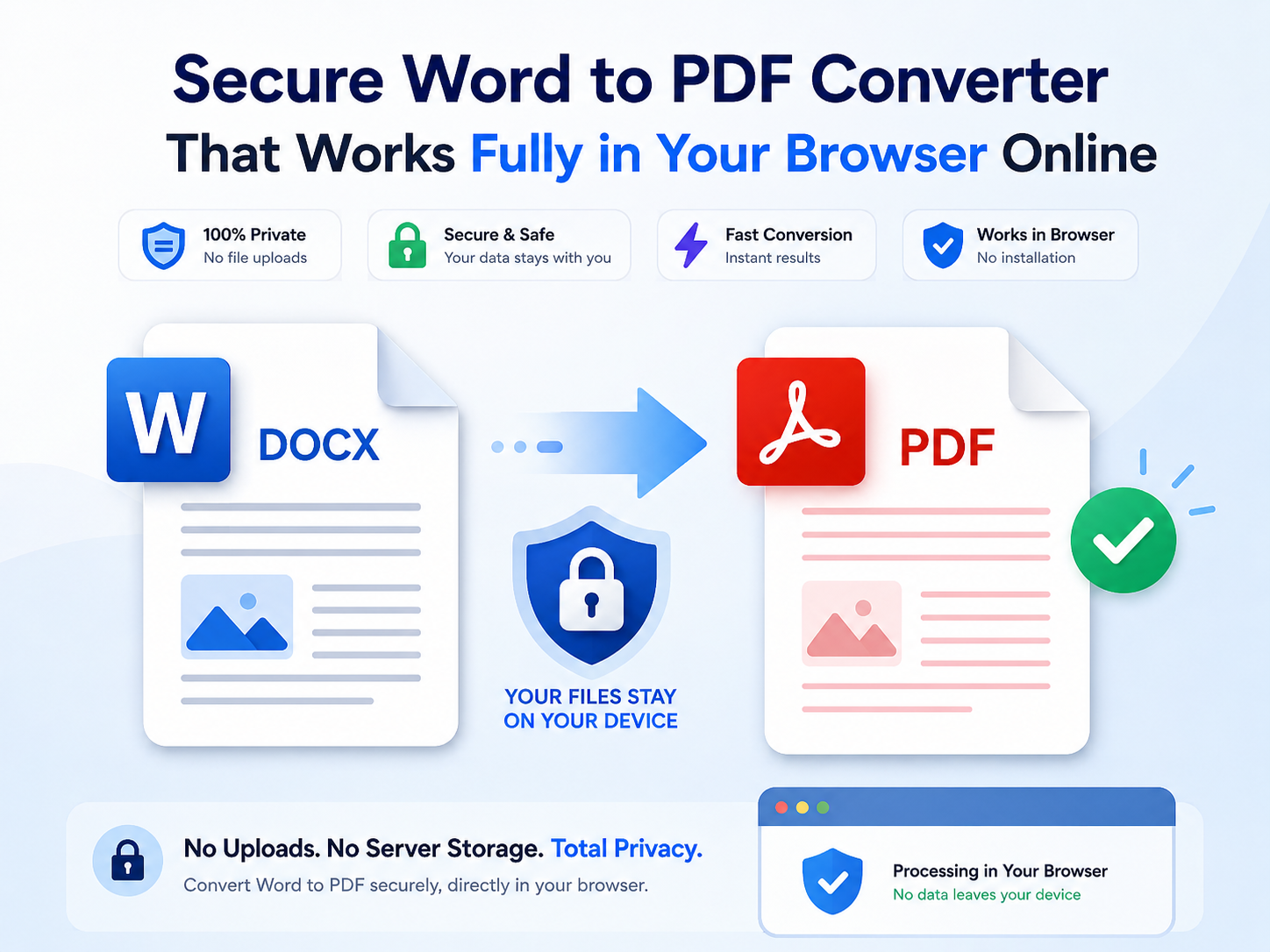
A modern solution to this problem is a fully client-side Word to PDF converter that works directly inside your browser. Instead of uploading files to a remote server, all processing happens locally on your own device. Your files never leave your computer, ensuring maximum privacy and complete control over your data.
ToolsQ provides a secure Word to PDF converter that performs document conversion entirely inside your browser using client-side technology.
This guide explains how browser-based Word to PDF converters work, their privacy benefits, advantages, disadvantages, security features, supported formats, and why client-side processing is becoming the preferred solution for secure online document conversion.
What is a Client-Side Word to PDF Converter?
A client-side Word to PDF converter is a web-based tool that processes document conversion locally inside the user's browser instead of sending files to an external server.
In traditional online converters:
- Files are uploaded to a remote server
- The server processes the document
- The converted PDF is generated remotely
- Users download the processed file afterward
In a browser-based client-side converter:
- Files remain on your device
- Conversion happens locally in the browser
- No file upload is required
- No server stores your documents
- Your data stays private and secure
This technology dramatically improves user privacy while also increasing conversion speed for many document types.
Why Privacy Matters in Document Conversion
Documents often contain sensitive or confidential information that users may not want to share with external systems.
- Business contracts
- Invoices and financial reports
- Personal identification documents
- Academic assignments
- Legal agreements
- Human resource files
- Medical documents
Uploading these files to unknown servers may expose users to privacy risks, accidental storage, data leaks, or unauthorized access.
A secure browser-based DOCX to PDF converter eliminates these concerns because the files never leave the user's device.
How Browser-Based Word to PDF Conversion Works
Modern web technologies allow browsers to perform advanced file processing directly on the client side using JavaScript and browser APIs.
The conversion process usually works like this:
- User selects a Word document
- The browser reads the file locally
- Conversion scripts process document content
- The PDF is generated directly inside the browser
- User downloads the final PDF instantly
Since all operations happen locally, there is no need for cloud processing or external document storage systems.
Main Advantages of Client-Side Word to PDF Conversion
1. Better Privacy Protection
The biggest advantage is complete data privacy.
- No file uploads
- No cloud storage
- No remote processing
- No third-party access
- Reduced security risks
Your files stay entirely on your device throughout the conversion process.
2. Faster Processing
Since files are not uploaded to external servers, users avoid upload delays and server waiting times.
- Instant local processing
- No waiting for uploads
- Faster downloads
- Improved workflow efficiency
3. No Internet Dependency After Loading
Many client-side tools continue working even with unstable internet connections once the webpage has loaded.
4. Improved Security
Server-based systems may temporarily store uploaded documents. Client-side processing avoids this issue entirely.
- No temporary server storage
- No document retention
- No database exposure
- Lower cybersecurity risks
5. Better User Trust
Privacy-focused tools help users feel more confident when processing sensitive files online.
Advantages and Disadvantages of Online Word to PDF Tools
Advantages
- Quick document conversion
- No software installation required
- Works on desktop and mobile devices
- Easy drag-and-drop support
- Instant PDF downloads
- Simple user interface
Users can instantly convert documents using secure online Word to PDF tools directly inside modern browsers.
Disadvantages
- Very large files may use more browser memory
- Older browsers may have compatibility limitations
- Complex Word formatting may vary slightly
- Advanced editing features may be limited
Supported Word Document Formats
Most modern Word to PDF converters support popular Microsoft Word formats.
- DOCX files
- DOC files
- Rich text documents
- Basic text formatting support
Browser-based conversion tools are designed to maintain layout consistency, typography, spacing, and readable formatting during PDF generation.
Why PDF Format is Important
PDF files provide several important advantages over editable Word documents.
- Consistent document layout
- Professional presentation
- Cross-platform compatibility
- Print-friendly formatting
- Reduced accidental editing
- Better document sharing
PDFs are widely used in business, education, government systems, legal workflows, and digital publishing.
Best Use Cases for Secure Word to PDF Conversion
Business Documents
- Contracts
- Invoices
- Financial reports
- Company documentation
Education
- Assignments
- Research papers
- Academic reports
- Project submissions
Personal Documents
- Resumes
- Letters
- Forms
- Certificates
Legal and Professional Files
- Legal agreements
- Signed contracts
- Official applications
- Compliance documentation
Security Features Users Should Look For
When choosing an online Word to PDF converter, users should prioritize tools that provide strong privacy protections.
- Client-side processing
- No file uploads
- HTTPS secure connection
- No document retention
- Fast local conversion
- Transparent privacy policies
ToolsQ focuses on secure browser-based document conversion that protects user privacy by avoiding server-side file storage entirely.
Tips for Better PDF Conversion Results
Use Modern DOCX Files
DOCX files generally provide better compatibility with browser-based converters.
Check Fonts Before Conversion
Unusual or unsupported fonts may appear differently in the final PDF.
Keep Formatting Simple
Extremely complex layouts may render differently depending on browser support.
Use Updated Browsers
Modern browsers provide better performance and compatibility for client-side processing.
FAQs
Does this Word to PDF tool upload my files?
No. All conversion happens locally inside your browser without uploading files to external servers.
Is my data secure?
Yes. Your documents stay on your device during the entire conversion process.
Can I convert DOCX to PDF online for free?
Yes. Browser-based Word to PDF tools allow fast and free document conversion.
Do I need to install software?
No. The converter works directly inside your web browser.
Does it work on mobile devices?
Yes. Most modern browser-based converters support smartphones and tablets.
Which browsers are supported?
Most modern browsers including Chrome, Firefox, Edge, Safari, and Opera are supported.
Conclusion
Client-side Word to PDF conversion provides a safer and more privacy-focused alternative to traditional server-based document conversion systems.
By processing files directly inside the browser, users gain stronger privacy protection, faster performance, and better control over sensitive documents without relying on external servers.
Whether you are converting business files, school assignments, legal documents, or personal records, browser-based conversion technology offers a secure and convenient solution for modern document management.
Start converting documents safely today using secure Word to PDF converter with private client-side processing and zero file uploads.