Ultimate Guide to UPC-A Barcode Generator Customization for Branding
Learn how to create and customize UPC-A barcodes with colors, packaging integration, and branding-friendly designs while maintaining retail scanner compatibility.
UPC-A barcodes are one of the most widely used barcode systems in retail stores, supermarkets, warehouses, and product packaging worldwide. From grocery products and cosmetics to electronics and household goods, UPC-A barcodes help businesses manage inventory, automate checkout systems, and track products efficiently.
Traditionally, UPC-A barcodes were simple black-and-white patterns designed purely for machine scanning. However, modern businesses now want packaging and barcode systems that also support branding and visual identity.
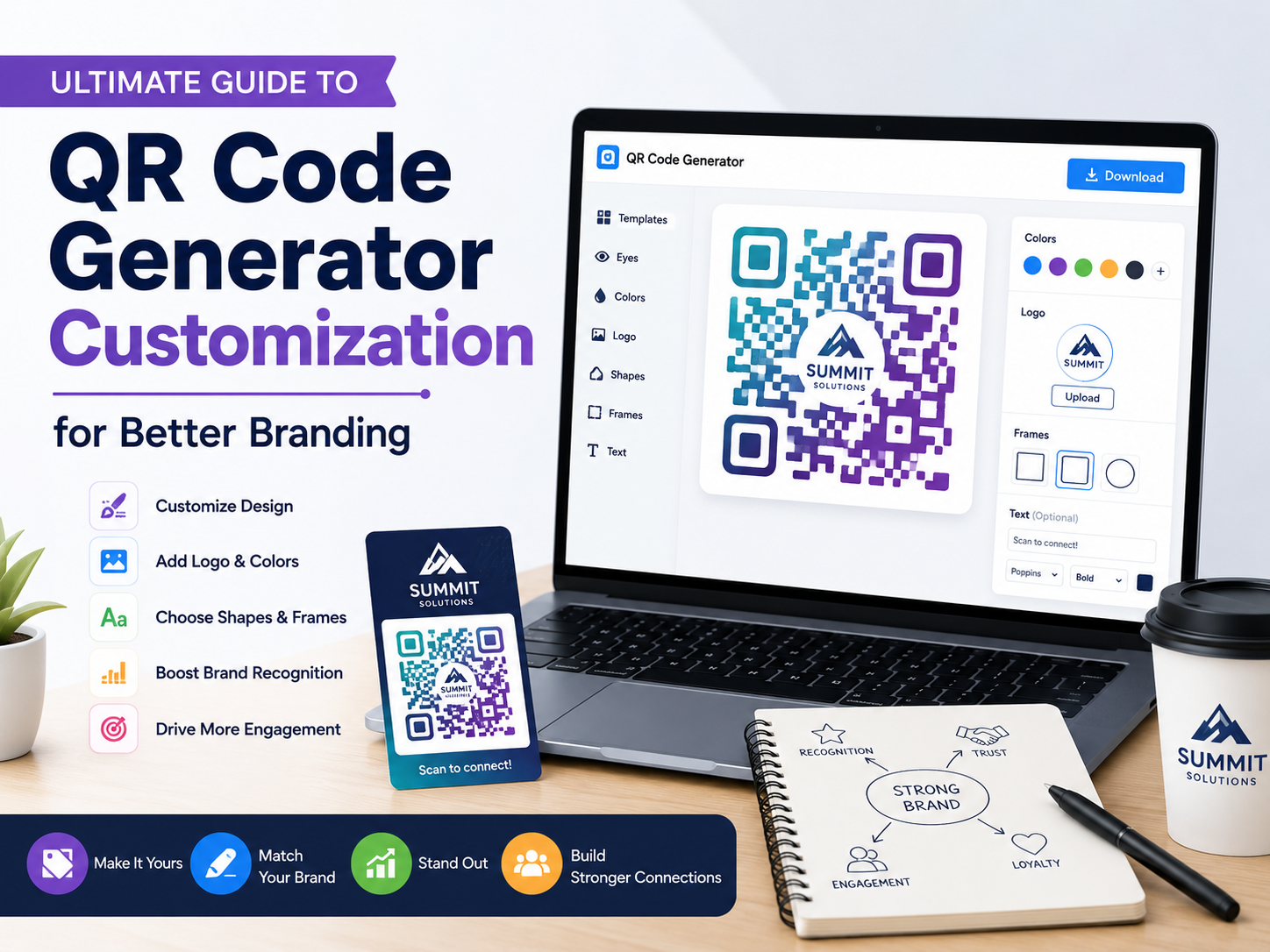
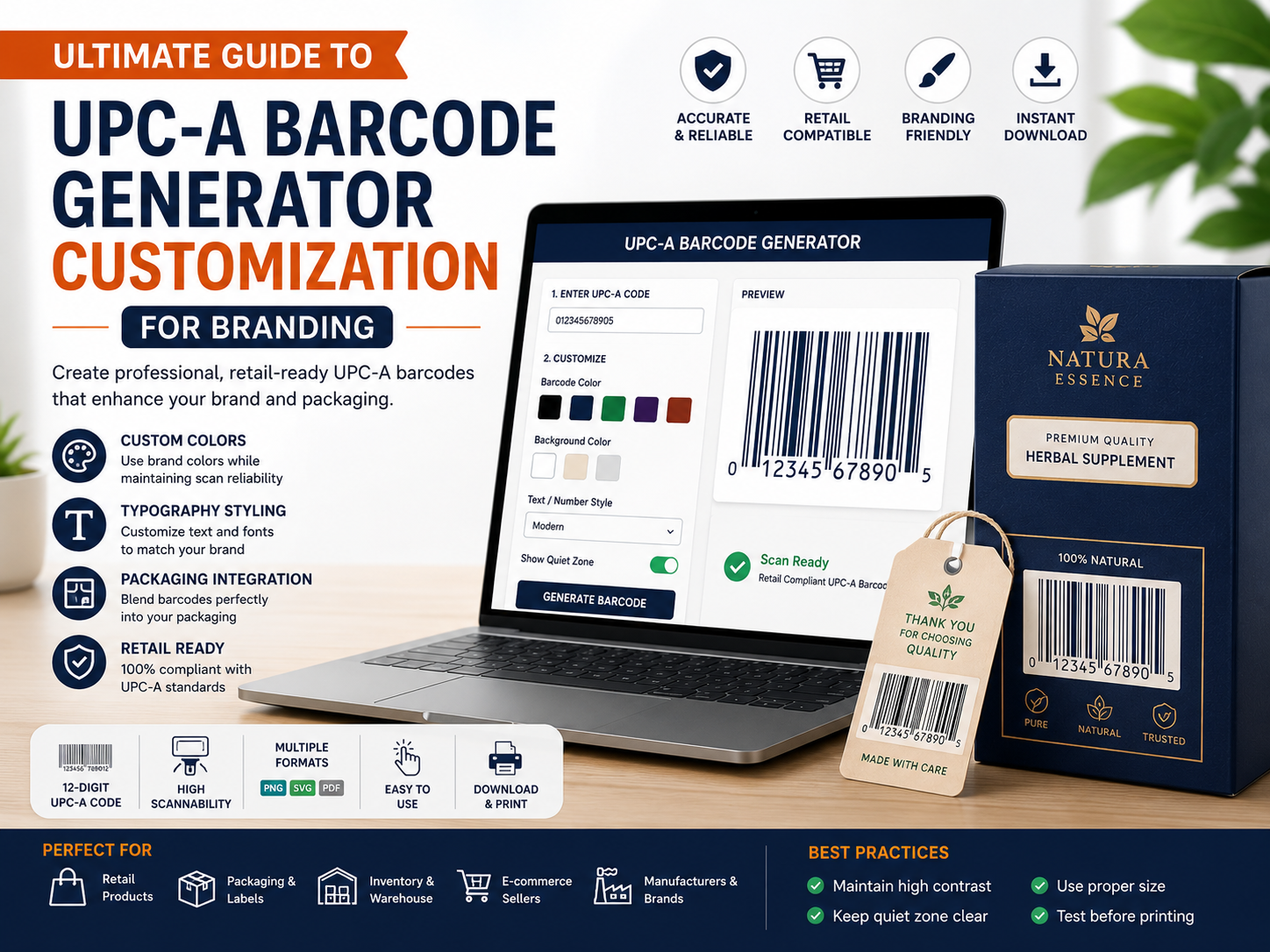
This is where UPC-A barcode customization becomes useful. While UPC-A barcodes cannot be customized as freely as QR Codes, modern barcode generators allow limited styling such as color adjustments, packaging integration, typography styling, and artistic layouts without affecting scan reliability.
If you are looking for a professional barcode tool, you can try UPC-A Barcode Generator with Customization Features . The tool allows users to generate retail-ready UPC-A barcodes quickly while supporting branding-friendly customization options.
In this complete guide, you will learn everything about UPC-A barcode generators, customization options, design limitations, best practices, and how to create professional UPC-A barcodes for products and packaging.
What is a UPC-A Barcode Generator?
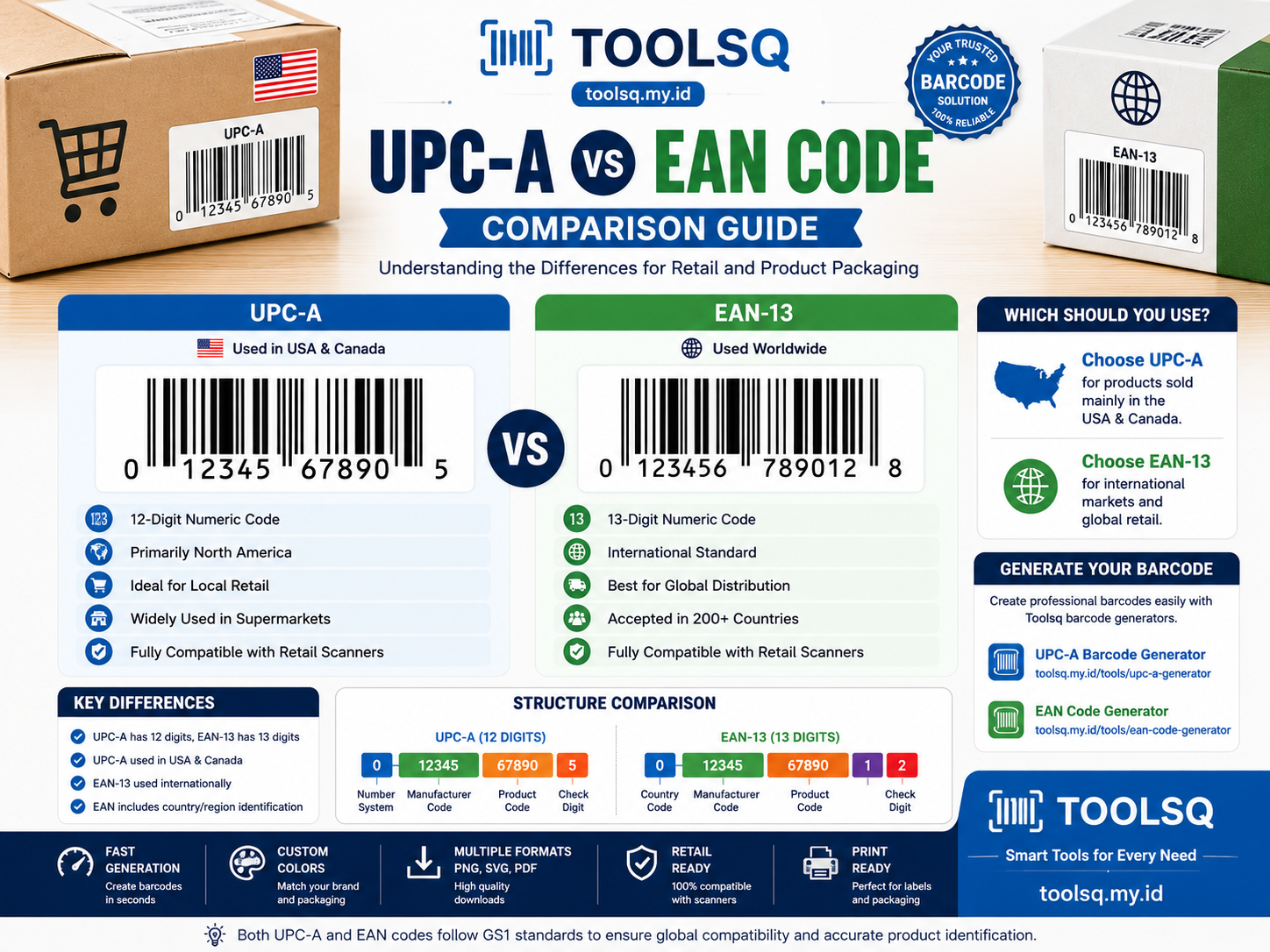
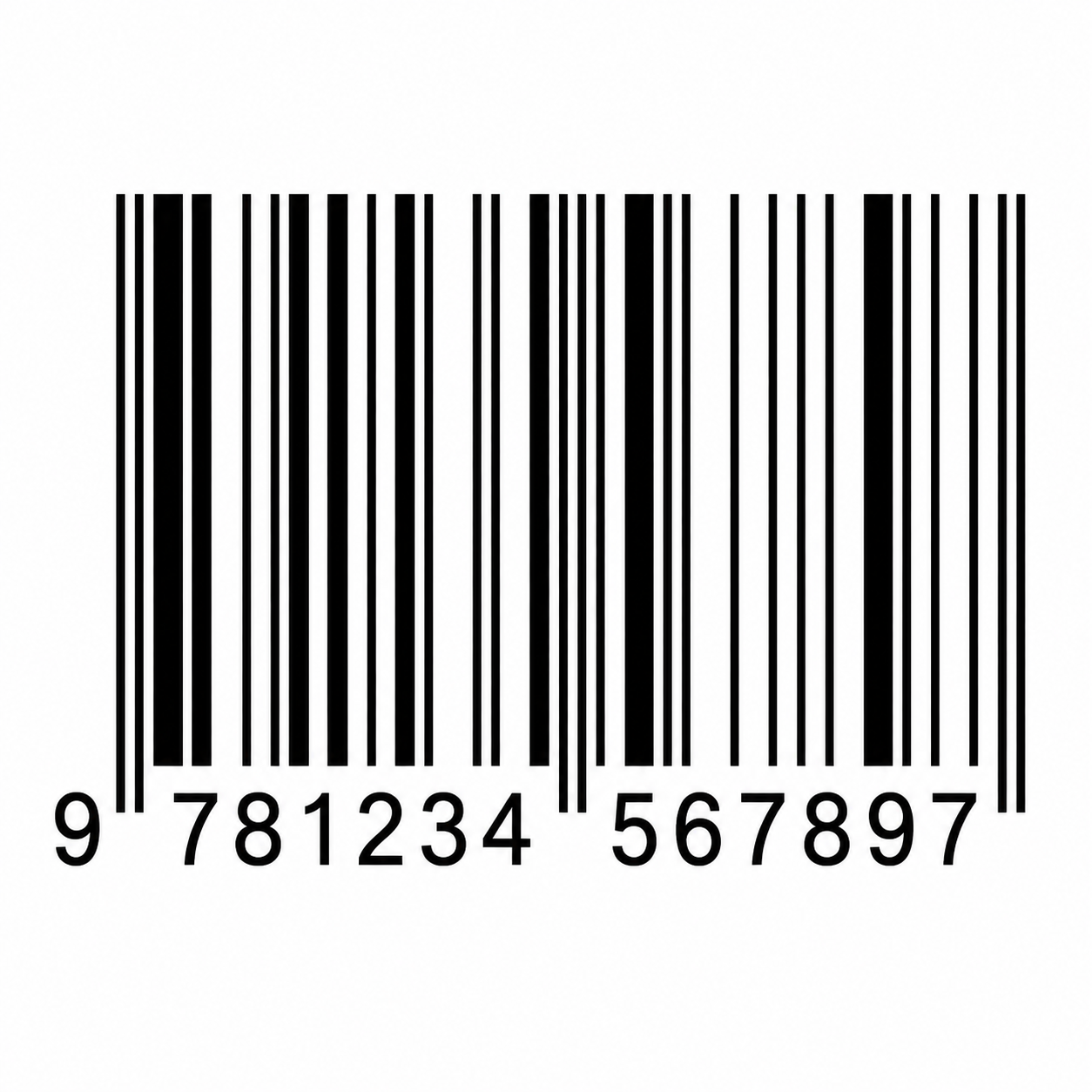
A UPC-A barcode generator is a tool that creates UPC-A barcodes from 12-digit numeric product codes. These barcodes are used for retail checkout systems, inventory management, product tracking, and logistics operations.
Once generated, the barcode can be downloaded and printed on product labels, packaging, stickers, or shipping materials.
- Retail product packaging
- Supermarket products
- Inventory management
- Warehouse systems
- Shipping labels
- Point-of-sale systems
- Product identification
Why UPC-A Barcode Customization Matters
Standard UPC-A barcodes often look generic and purely functional. Modern businesses now aim to integrate barcode designs into premium packaging and brand identity.
Customized UPC-A barcodes can:
- Improve packaging appearance
- Strengthen brand identity
- Create premium product presentation
- Blend barcodes into packaging artwork
- Enhance visual consistency
While customization options are more limited compared to QR Codes, small visual improvements can make product packaging look far more professional and attractive.
Main UPC-A Barcode Customization Features
1. Barcode Color Customization
One of the safest ways to customize UPC-A barcodes is changing the barcode color while maintaining strong scan contrast.
- Use dark brand colors
- Maintain high contrast
- Use light backgrounds
- Create visually consistent packaging
Safe barcode colors include dark blue, dark green, dark brown, and dark gray. Bright or low-contrast colors should be avoided because they may affect scanner readability.
Tools like customizable UPC-A barcode generator make it easier to apply branding-friendly colors safely.
2. Packaging Integration
Many modern brands creatively integrate UPC-A barcodes into packaging artwork and illustrations.
- Landscape barcode designs
- Product-themed barcode artwork
- Minimalist barcode integration
- Creative packaging layouts
The barcode structure itself must remain readable by retail scanners even when integrated into artwork.
3. Typography Styling
The numbers displayed below the UPC-A barcode can often be customized using different typography styles.
- Custom fonts
- Brand typography
- Modern spacing styles
- Premium product layouts
Typography customization helps packaging feel more premium while preserving barcode functionality.
4. Barcode Placement Optimization
Proper barcode placement improves both scan reliability and product presentation.
- Packaging side panels
- Bottom product labels
- Retail-friendly layouts
- Scanner-accessible positioning
Strategic barcode placement ensures that branding remains attractive without disrupting retail operations.
5. Background Design
UPC-A barcodes work best with clean and uncluttered backgrounds.
- Solid light backgrounds
- Minimal packaging textures
- Clean white spaces
- Professional retail presentation
Avoid placing UPC-A barcodes on busy graphics or dark image backgrounds that may interfere with scanning.
Advantages of Using a Modern UPC-A Barcode Generator
Modern barcode tools simplify barcode creation while helping businesses maintain retail standards and professional packaging quality.
One recommended solution is ToolsQ UPC-A Barcode Generator , which provides a fast and beginner-friendly barcode generation experience.
- Fast UPC-A barcode generation
- Retail-ready barcode formatting
- Simple customization features
- Easy barcode downloads
- Suitable for packaging and labels
- Works for inventory and retail systems
- Beginner-friendly interface
Advantages and Disadvantages from User Perspective
Advantages
- Easy to generate professional retail barcodes
- Improves packaging appearance
- Supports inventory automation
- Compatible with retail POS systems
- Simple and fast workflow
- Suitable for product packaging businesses
Disadvantages
- Customization is limited compared to QR Codes
- Cannot safely add logos inside barcode bars
- Excessive styling may break scan functionality
- Requires high contrast for reliable scanning
- Only supports numeric product codes
Types of UPC-A Barcode Usage
Retail Products
UPC-A is most commonly used for retail product identification and cashier scanning systems.
- Food packaging
- Beverages
- Cosmetics
- Electronics
Warehouse Management
Warehouses use UPC-A barcodes for inventory tracking and logistics operations.
- Stock management
- Product tracking
- Shipping operations
- Inventory automation
Small Businesses
Small businesses and online stores use UPC-A barcodes for retail readiness and marketplace compliance.
- E-commerce products
- Retail packaging
- Store inventory
- Business product catalogs
Best Practices for Creating Good UPC-A Barcodes
Maintain High Contrast
Always use dark barcode lines with light backgrounds for maximum scanner compatibility.
Avoid Overdesigning
Excessive artistic styling can reduce barcode readability and scanner accuracy.
Test Before Printing
Always test barcode scanning functionality before mass production or packaging distribution.
Use Proper Barcode Size
UPC-A barcodes that are too small may fail to scan properly in retail environments.
- Retail packaging
- Product labels
- Warehouse stickers
- Shipping materials
Maintain Quiet Zones
UPC-A barcodes require empty spaces around the barcode area to ensure accurate scanning.
How to Create a Customized UPC-A Barcode
- Open a UPC-A barcode generator tool
- Enter a valid 12-digit UPC number
- Generate the barcode
- Choose safe customization colors
- Adjust barcode placement if needed
- Preview barcode readability
- Test barcode scanning
- Download in PNG, SVG, or PDF format
To simplify the process, you can use free UPC-A barcode generator for product packaging that supports retail-friendly barcode customization.
Best File Formats for UPC-A Barcodes
PNG
Best for websites, product previews, and digital usage.
SVG
Ideal for scalable printing and professional packaging production.
Suitable for high-quality printing projects and bulk label production.
Common UPC-A Barcode Mistakes
- Using low contrast colors
- Distorting barcode proportions
- Adding graphics over barcode lines
- Printing barcodes too small
- Ignoring quiet zones
- Not testing scanners before production
Security and Reliability Tips
- Use trusted barcode generator tools
- Verify barcode numbers carefully
- Use proper printing quality
- Maintain barcode dimensions
- Test retail scanner compatibility
FAQs
Can UPC-A barcodes have custom colors?
Yes, as long as strong contrast is maintained for scanner readability.
Can I add a logo inside a UPC-A barcode?
No, unlike QR Codes, UPC-A barcodes should not contain logos inside the barcode area.
Do customized UPC-A barcodes scan properly?
Yes, if barcode dimensions and contrast remain compliant with retail standards.
What is the best format for printing UPC-A barcodes?
SVG and PDF formats are ideal for professional barcode printing.
Are UPC-A barcode generators free?
Many barcode generators offer free barcode generation with optional advanced tools.
Which tool supports UPC-A barcode customization?
You can use
ToolsQ UPC-A Barcode Generator
to generate professional UPC-A barcodes with branding-friendly customization options.
Conclusion
UPC-A barcode customization is about balancing branding with retail functionality. While UPC-A barcodes cannot be customized as freely as QR Codes, modern design techniques still allow businesses to create attractive and professional product packaging.
With the right UPC-A barcode generator and proper design practices, businesses can create retail-ready barcodes suitable for packaging, inventory systems, supermarkets, warehouses, and e-commerce products.
Whether you are a product manufacturer, designer, retailer, or small business owner, professional UPC-A barcodes help improve inventory management, packaging quality, and retail compatibility.
Start creating your own retail-ready barcodes today using professional UPC-A barcode generator with customization features and improve your product packaging and retail operations.